You can claim your business on ChatGPT now, if your business is eligible and ChatGPT already has a listing for it. OpenAI opened Business Hub on 10 November 2026, as part of a beta called Businesses in ChatGPT. Business Hub is where an owner, or a person allowed to act for the owner, can claim a listing, fix the details ChatGPT shows, and see simple numbers about how often ChatGPT names the business.
This guide is for a local business: a shop, a restaurant, a clinic, or a service business in one city or area. It gives the steps in order, the two checks you must pass, and the limits that matter most at launch.
What Business Hub Is and What It Does for You
Business Hub is a dashboard inside ChatGPT. OpenAI says Businesses in ChatGPT is a new way to connect with the 1.2 billion people who use ChatGPT each week. Business Hub has three parts.
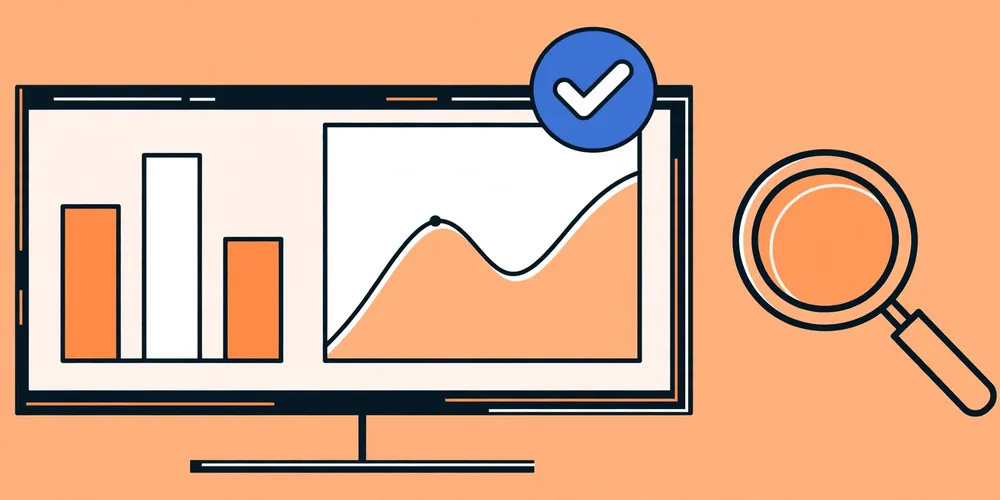
First, there is the claim: you search for your business, pick the matching listing, and prove it is yours. Second, there is the profile: after you pass the checks, you can edit the website, description, category, logo, cover photo, and delivery and return policy. Third, there are Insights for the past 28 days: how often ChatGPT names your business, how many people click through, and the topics where it appears.
Business Hub is not Google Business Profile. It does not control Google Search or Google Maps, and claiming a listing in ChatGPT does not change your Google profile. OpenAI builds and shows these listings whether or not anyone claims them. Claiming is the only way to put your own details into the profile ChatGPT shows. That is the main reason to claim your business on ChatGPT: the profile ChatGPT shows will use your own facts, not a guess.
There is a fourth part, called Business Agents: a chat assistant that answers customer questions using facts you give it. For now, only eligible ecommerce and online service businesses in the US can publish one.
This launch also connects to the November 2026 core update guide on this site. In that guide, Check 6 said ChatGPT search uses a bot called OAI-SearchBot, and a page must be indexed and open to that bot before ChatGPT can cite it.
Who Can Claim, and Who Cannot Yet
You can claim a business if you own it or are allowed to act for it. You do not need an Ads account or a ChatGPT Enterprise agreement. OpenAI has not published a fee for claiming, and early reports said it was free at launch. Do not pay anyone who offers to claim your listing for a fee.
Eligibility depends on where your business is and what kind of business it is. The table below gives the position at launch, as OpenAI stated it and as early guides reported it in the week after launch.
Who Can Claim a Listing at Launch
| Business type | What you can do now |
|---|---|
| Local store or restaurant in the US | Claim an existing listing only |
| Local store or restaurant with no listing | Wait, as no new local listing can be added yet |
| Online business with a website | Claim an existing listing, or add one if Business Hub offers it |
| Ecommerce or online service business in the US | Claim a listing, and publish a Business Agent if eligible |
| Service-area business, such as a plumber or roofer | Check Business Hub, as OpenAI has not named a clear path yet |
A local store or restaurant can currently claim only an existing US listing. If ChatGPT has no listing for your shop or cafe, there is no button to create one yet. An online business may see an option to add a listing if none exists. One early report said the service business type was marked “Coming soon” on launch day, but that is one early report, not OpenAI’s stated policy.
Each location is claimed on its own, and OpenAI has not published a bulk tool for claiming profiles. A business with no shop front, such as a plumber or a roofer, sits in the open question in the table above. Search Business Hub for your business name first.
Your Google Business Profile still matters. BrightLocal reported in August and September 2026, from about two million citations, that Google Business Profile supplied 28.6 percent of all citations in AI answers, and 67 percent in Google AI Overviews. Yelp supplied 61 percent of ChatGPT local citations, and Yelp said in its shareholder letter on 6 August 2026 that its data powers the ChatGPT local experience.
BrightLocal also reported in 2026 that 45 percent of US consumers had used AI for a local recommendation, up from 6 percent the year before.
A wrong number or address on Google or Yelp can still reach ChatGPT after you claim your listing. Fix those first, and read the latest Google Business Profile news before you change a setting.
How to Claim a Listing in Business Hub in Six Steps
The steps below show how to claim your business on ChatGPT, in order. They follow OpenAI’s setup guide, checked against hands-on guides published on 11 and 12 November 2026.
Step 1: Find Your Listing
Sign in to ChatGPT and open Business Hub from the sidebar, or go straight to chatgpt.com/business-hub. Search for your business by its real name, the same name you use on Google. Do not add keywords or a city to the name. If the right listing appears, pick it and check the address.
Step 2: Pick the Right Account
Confirm which ChatGPT account will manage the business, and use an account you plan to keep. A work address is better than a personal one. Do not create a second profile for the same business.
Step 3: Prove the Business Is Yours
Business Hub shows the proof methods it will accept for your business. You will only be offered the ones that fit your business, and you need to pick one. The four methods OpenAI lists are:
- Business phone: a code sent to the phone number on your business records.
- Business email: a code sent to an email address at your business domain.
- Website domain: a DNS TXT record added to your domain settings, copied exactly as ChatGPT shows it.
- Shopify: a connection to your Shopify store, if that option is shown for your business.
The domain method is the one a website team can help with. A TXT record is a short piece of text that you add where your domain name is managed. Copy the type, name, and value exactly as ChatGPT shows them.
Step 4: Wait for OpenAI’s Review
After you send your proof, OpenAI reviews the claim and emails you its decision. Business Hub shows three stages: claim received, review in progress, and decision reached. OpenAI has not published how long the review takes. If your claim is turned down, read the reason in the email before you try again.
Step 5: Pass the Persona Identity Check
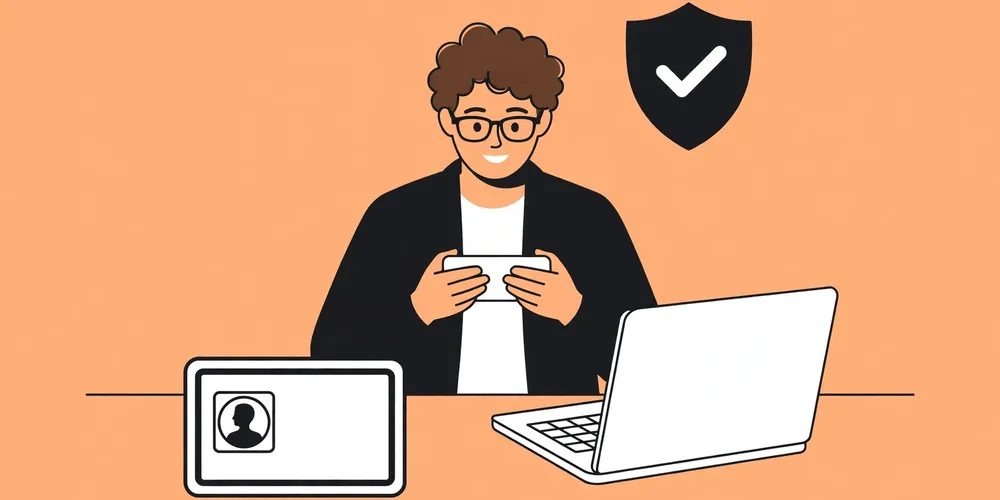
An approved claim does not yet let you change anything. The first step to claim your business on ChatGPT is only half done at this point, because you must also pass an identity check with Persona, the verification service OpenAI uses. Until that check is approved, you cannot publish changes, view Insights, connect a product feed, or create a Business Agent.
You may be asked for a government ID, business registration facts, and proof that you are allowed to act for the business. Make sure the name, address, and any registration number match your official records.
Step 6: Fill in Your Profile
After Persona approves you, the profile is yours to edit. Add a short description, pick the best category, and add your logo and a cover photo. Check the website link, phone number, and address. Add your delivery and return policy, if you have them. A new listing you add is saved as a draft at first, and it is published only after the identity check and OpenAI’s approval.
What Happens After You Are Verified
A verified profile shows a blue check. That means OpenAI has confirmed your identity, not that it ranks your business above others. After you are verified, you can edit the facts ChatGPT shows, and read Insights for the past 28 days.
For an online business, a mention counts when ChatGPT points to the business website. For a local business, a mention counts when ChatGPT shows a result for your location, even if nobody opens it.
Take a pain clinic in Dallas as an example. A person asks ChatGPT for a pain clinic near them, and ChatGPT shows the clinic with its address and phone number. That counts as a mention, even if the person calls the clinic straight from the answer and never opens the website. A local shop can have many mentions and few clicks for the same reason.
If you sell products online, you can also connect a product feed, with prices and stock, after you are verified. Keep the feed current: a price that is out of date is worse than no price at all. If you run an eligible ecommerce or online service business in the US, you can also build a Business Agent, but read the Business Agents Policy first.
What Claiming Will Not Do for Your Business
To claim your business on ChatGPT is to fix your facts, not to buy a better place in an answer. OpenAI says it plainly: claiming a profile or disputing ownership does not change its visibility in ChatGPT, and claiming does not guarantee higher placement or sales.
ChatGPT still makes its own picks, and it still reads other sources as well as your profile, so a wrong detail on another site can still show up next to your own facts.
Ads do not change the answers either. OpenAI says ads do not change what ChatGPT recommends, and a claim is separate from advertising. You do not need to buy ads to claim a listing. Insights are grouped numbers only, so judge the claim by your own calls, forms, and visits, not by the Insights page alone.
What to Do If Your Listing Is Not There
If you cannot claim your business on ChatGPT because no listing exists, do not try to work around that rule. A fake listing or a listing with a wrong address can be removed, and it can also block a real claim later. Search Business Hub by your exact business name first. If nothing matches, and you run an online business, you may see an option to add it. If you run a local store or restaurant, and nothing matches, you cannot add one yet.
If your listing is not there, the work is still the same work you would do for Google. Make your website clear about what you sell, where you are, and how to reach you. Keep your Google Business Profile correct, and keep your reviews fresh. The guide to local SEO for a small business gives that work in plain steps.
If you serve a wide area, read the guide to a service-area business on Google Maps before you add new location pages. A clear service page helps ChatGPT as much as it helps Google, because both read the same page.
What to Do in the Next 14 Days
You do not need to wait for a perfect profile before you act. If you want to claim your business on ChatGPT, start with the checks that cost no money, and do them in order:
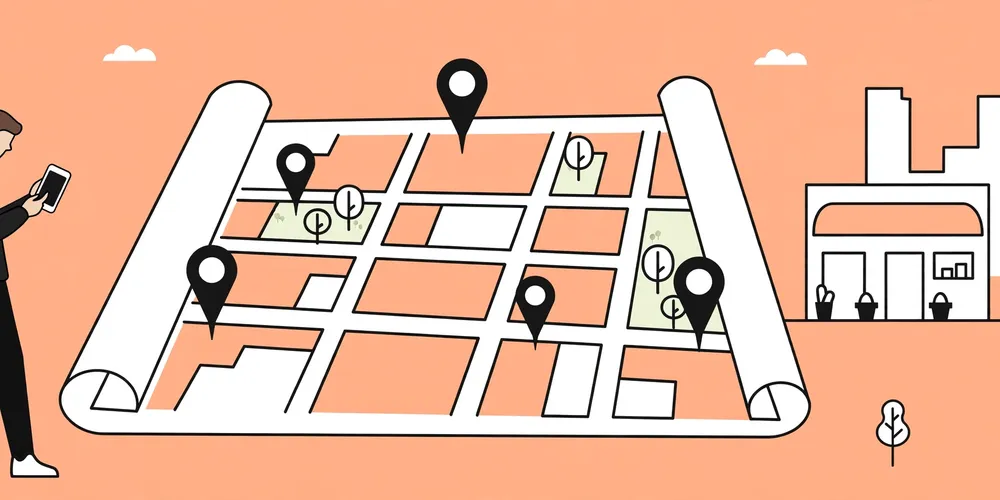
- Search Business Hub for your exact business name, and check what ChatGPT already says about you.
- Fix your Google Business Profile and your website first, so the facts match in every place.
- Gather your proof: business phone, business email, domain access, and a government ID.
- Ask ChatGPT what it says about your business, and write down every wrong detail.
- After you are verified, check Insights once a week, and fix one wrong detail at a time.
In the second week, after your claim is in, add one real photo a week to your Google profile, ask for a review right after a job is done, and reply to the reviews you already have. Read the guide to how to rank in Google AI Overviews to see how Google’s AI answers pick a page. Do not rewrite five pages at once. Improve one page, wait a week, and check the result.
If you want help with that work, a local SEO expert in Pakistan can review your profile, your top pages, and your ChatGPT listing, and set out the next steps in plain words.
You can also find the business on Google Maps. If you search for an SEO expert near me, check the profile, the reviews, and the photos before you call.
To start that review, request a free digital marketing consultation and bring your business name, your website, and the list of wrong details you found in ChatGPT.
Frequently Asked Questions About Claiming a Business in ChatGPT
Is Business Hub the same as Google Business Profile?
No. Business Hub is OpenAI’s dashboard for a business profile in ChatGPT. Google Business Profile is Google’s dashboard for Google Search and Google Maps. Claiming one does not change the other.
Can I claim my business if I am outside the US?
It depends on your business type and where you are. A local store or restaurant can currently claim only an existing US listing. Search Business Hub for your business name to see what it offers you.
Does claiming cost anything?
OpenAI has not published a fee for claiming, and early reports said it was free at launch. You do not need an Ads account or a ChatGPT Enterprise agreement. If a third party asks you to pay, check OpenAI’s help page first.
Will claiming make ChatGPT recommend my business more?
No, not by itself. OpenAI says claiming does not guarantee higher placement or sales. Claiming lets you fix the facts ChatGPT shows, and it gives you Insights.
Can I claim more than one location?
Yes, but each location is claimed on its own. Claiming the main brand does not claim its other locations. OpenAI has not published a bulk tool, so plan to claim each branch in turn.
What is a Business Agent, and can I publish one?
A Business Agent is a chat assistant that answers customer questions using facts you give it. For now, only eligible ecommerce and online service businesses in the US, with a website, can publish one.
How long does the claim take?
OpenAI has not published a time to claim your business on ChatGPT, and the Persona check has its own review time too. Business Hub shows three stages: claim received, review in progress, and decision reached. Plan for days, not minutes.